Filter the task table assigned to the user to easily access a specific form unit. #
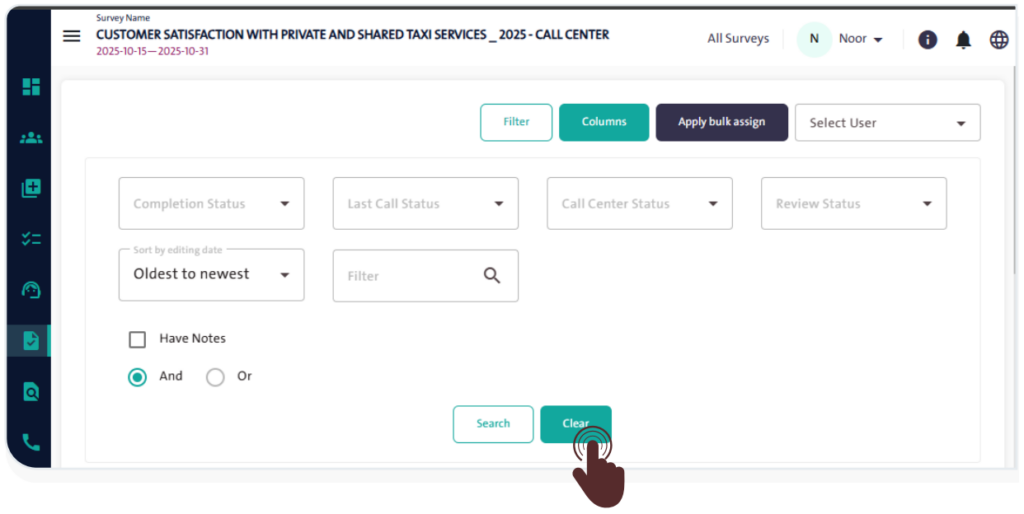
Filter the queue units assigned to you by following these steps:
- Set the form filter options according to the following criteria:
- Completion Status
- Last Call Status
- Call Center Status
- Review Status
- Sort by editing Date
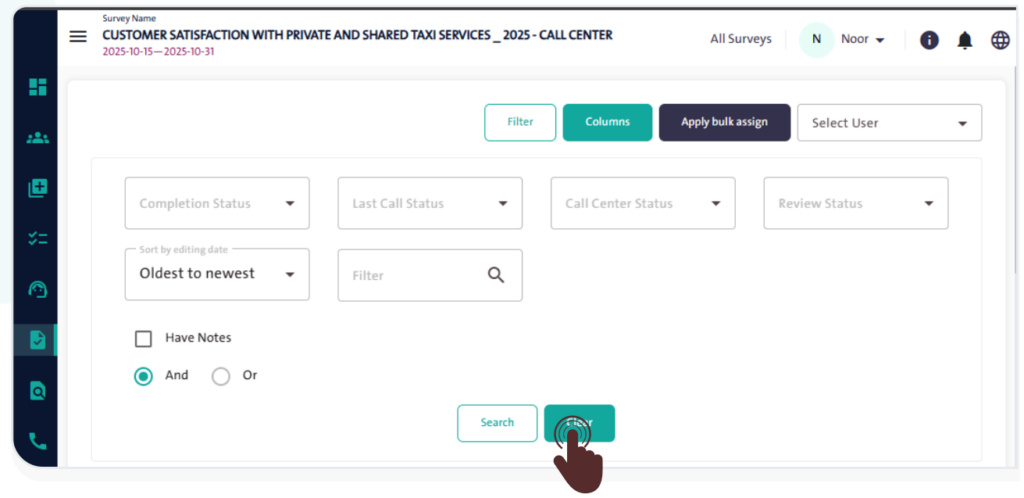
- Click “Search”
 to apply the filter.
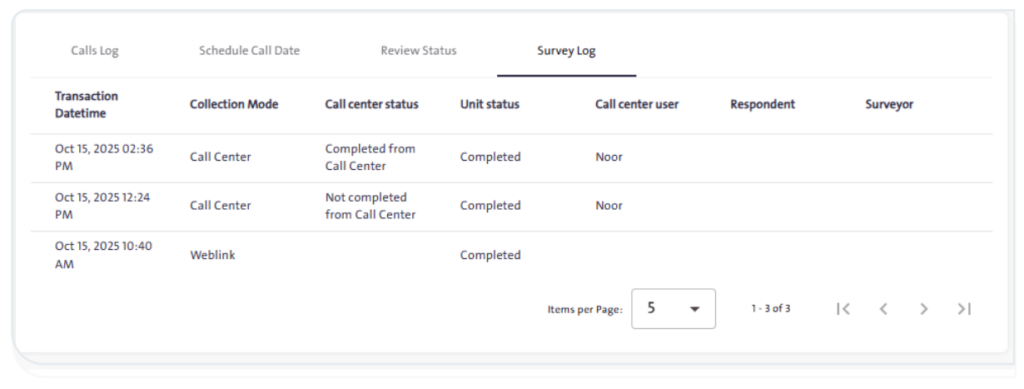
 - The filtered results will appear as shown in the following image.
- Click “Clear”
 to reset the filter options and return to viewing all assigned tasks.
INFO
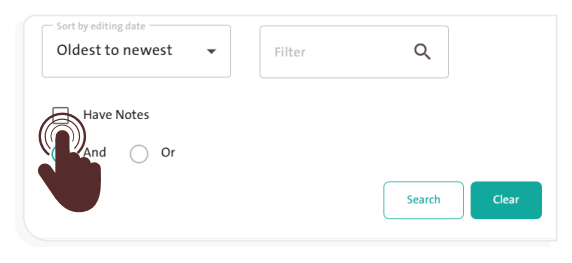
- Select the “Have Notes”
 option to search only for units with recorded notes.
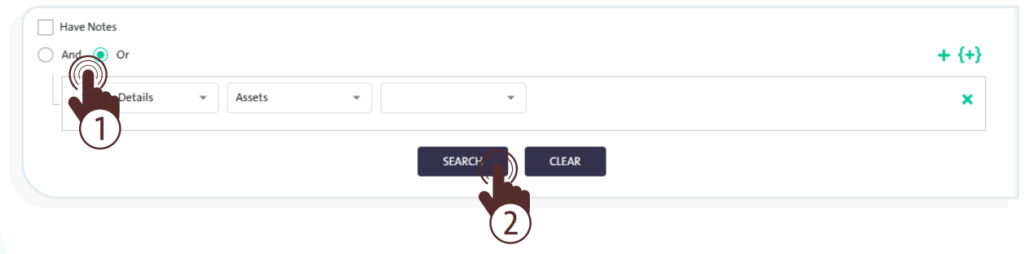
- For more customization of filter results, use the “Advanced Search” option by clicking the “Add New Rule” icon
 . Then, define the filter rule and click “Search”
  to find surveys that include specific question responses.