
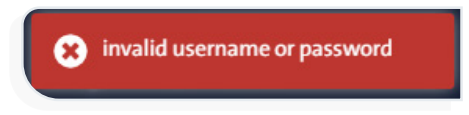
Message: “Invalid Username or Password” #
This message appears when an incorrect username or password is entered while logging into the system.
Solution:
Verify that your login credentials (username and password) are correct.
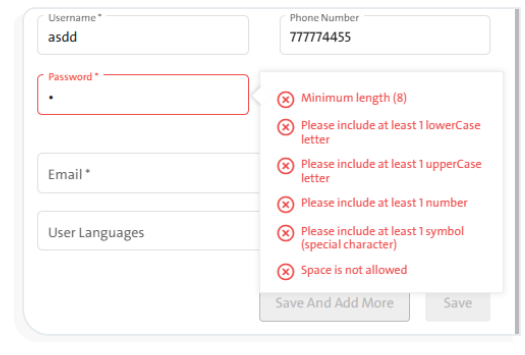
Message: “Invalid Password” #
This message appears when the chosen password does not meet the system’s password policy while adding a new user.
Solution:
Choose a password that meets the following criteria:
- Contains at least 8 characters.
- Space is not allowed.
- Contains at least one special character.
- Contains at least one uppercase letter.
- Contains at least one lowercase letter.
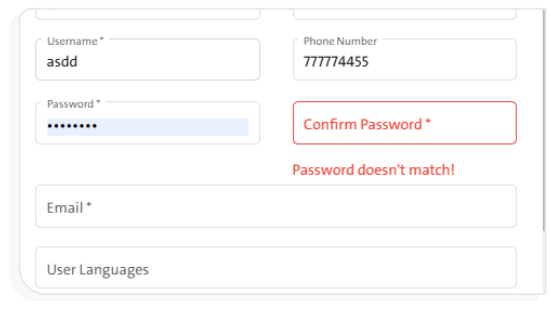
Message: “Password doesn’t Match” #
This message appears if the password entered in the “Confirm Password” field does not match the password entered in the “Password” field while adding a new user.
Solution:
Ensure both password fields match.
