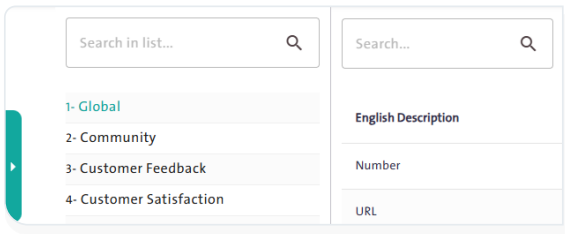
Add a new question to the Question Bank in the “Survey Designer” system. #
The Question Bank is a library containing hundreds of questions that can be added to a survey, making it easier for users to include them in their surveys and saving both time and effort. To enrich this bank, follow these steps:
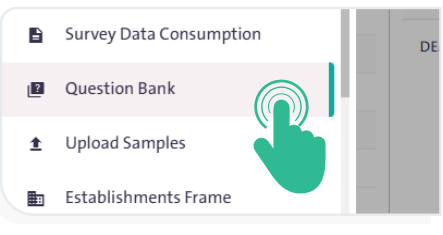
- From the side Control Panel, select “Question Bank”.

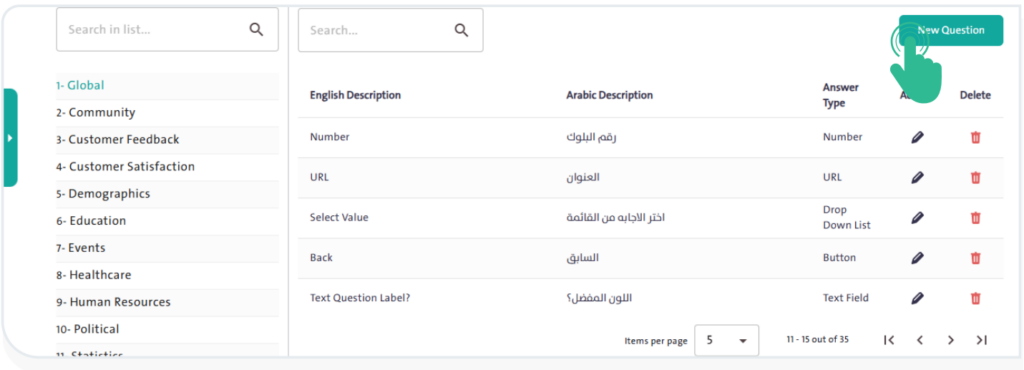
- Click “New Question”
 to open a popup window.
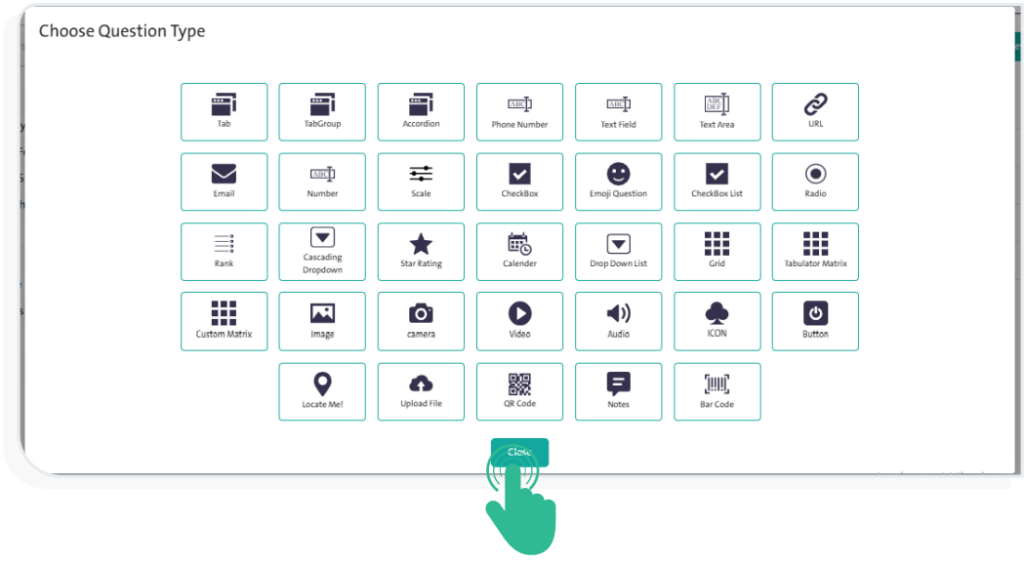
- Select the control you want to add as a ready-made question in the Question Bank.
- Adjust the control options as needed.
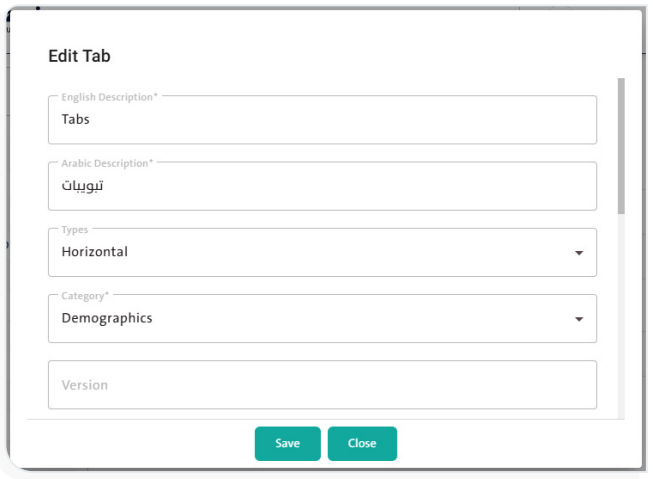
- Click “Save”
 to complete adding the new question.
INFO
- Refer to the steps for applying and using the controls as explained earlier in the manual.
- To delete a question, click “Delete”
 next to its name in the Question Bank.
- To view and edit a question’s details, click “Edit Question”
 next to its name in the Question Bank.
- You can search for a specific type of question either by selecting its category from a list or by typing its name in the search box.