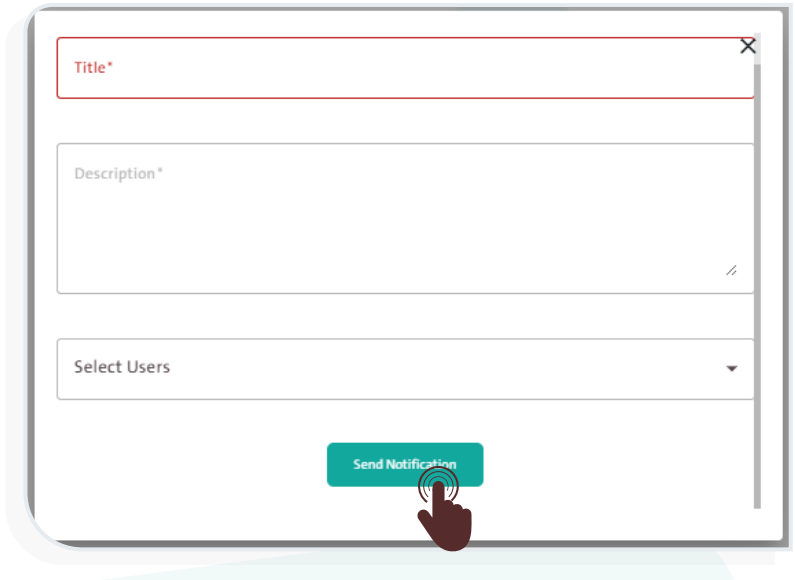
Sending a Notification to a Specific User #
To send a notification to a specific user, follow the steps below:
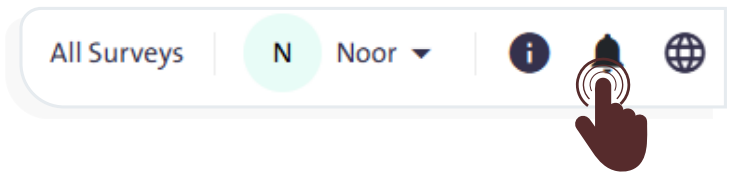
- Click the “Notifications” icon
 at the top of the screen to open the notifications window.
 - Click “Send Notifications”
 and follow these steps:
- Enter a suitable title for the notification.
- Write a brief description.
- Select the user to whom you want to send the notification.
- Click “Send Notifications” to complete the process or click the “Cancel” icon
 to abort sending.