Find a Specific Survey. #
To search within the table data on the My Surveys screen to find a specific survey, follow these steps:
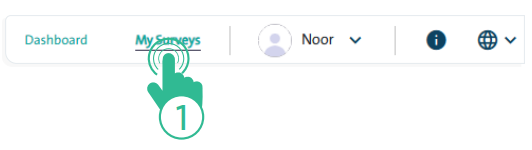
- Click the “My Surveys” link at the top of the Survey Designer page.
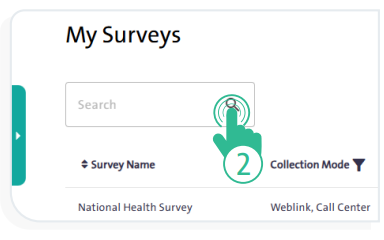
- Type the survey name or part of it in the search box, then click the “Search” icon . The results will be displayed in the surveys table below.
- The search results will appear in the table below the search box.