
Viewing Basic Information of Each Survey #
To view the basic information for each form, follow these steps:
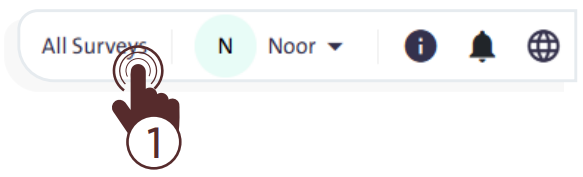
- Click the “All Surveys” link at the top of Al-Khwarizmi platform page to open a screen displaying the forms created either by you or by your team members.
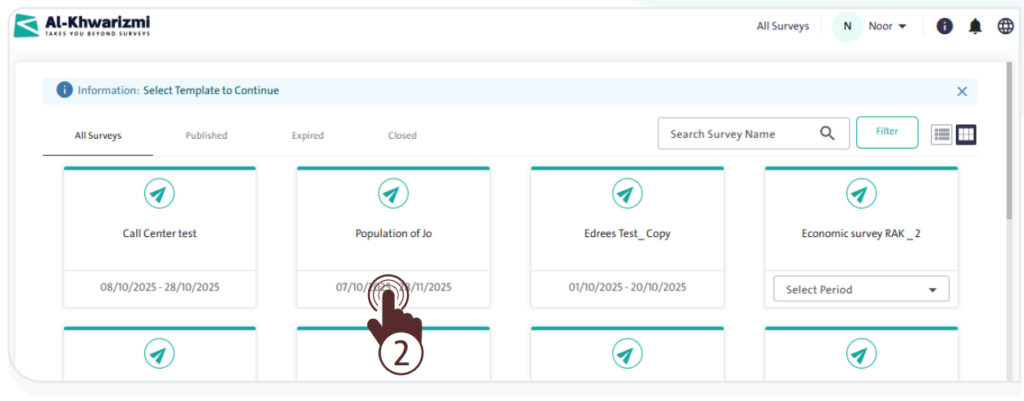
- Click on the survey you are working on to open its “Dashboard”, which includes:
- Counts of roles, users, queues, and assigned samples.
- The following tables and information:
- Queue progress:
- Queue Name
- Progress
- Total Available Units
- Total Pulled Units
- Num Of Agents
- Reassign Queue
Unit Distribution Over Status:- Call Center status
- Survey completion status
- Last call status
- Count
- Agents Report:
- Agent Name
- Queue name
- Pulled Units
- Completed
- Not Completed
- Postponed
- Transferred to Web
- Transferred to field
- Workload Assigned
- Your Team Members
- Calls progress
- Queue progress:
