Use a Previous Survey as a Starting Point.
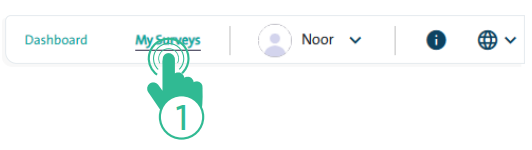
- Click the “My Surveys” link at the top of the Survey Designer page.
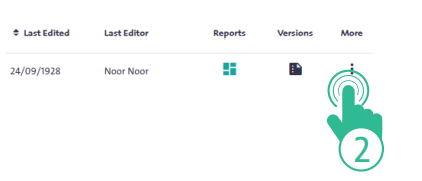
- Select the survey you want to copy from the surveys table.
1- Duplicate Survey #
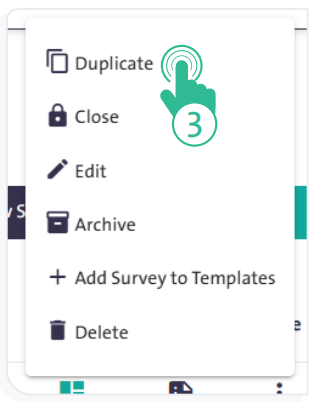
- Click “More”
 and choose “Duplicate” .
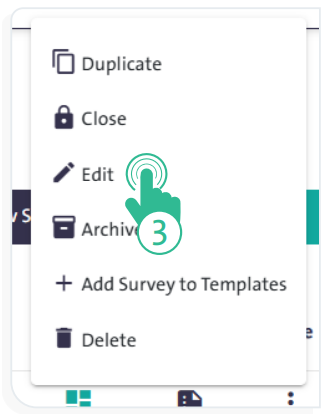
2- Edit Survey Version #
- Click “More” next to your copied survey and select “Edit”.