Quick access to a specific role. #
To quickly access a specific role, follow these steps:
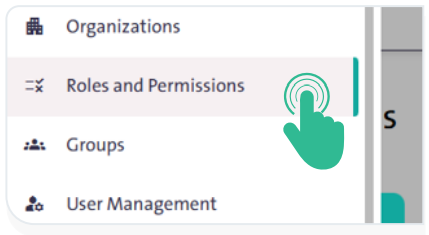
- From the side Control Panel, select “Roles and Permissions”

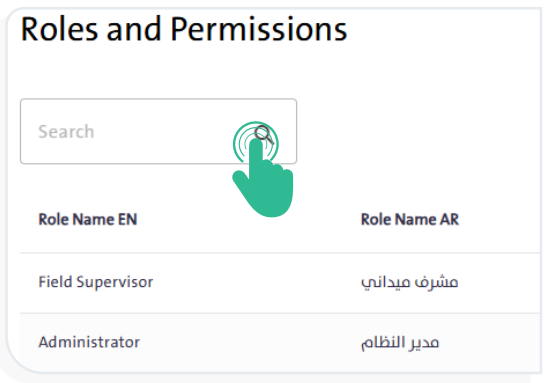
- Type the role name in the search box, then click “Search”
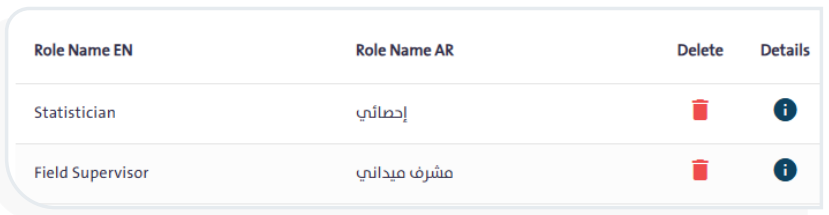
- The search results will appear in the table below the search box.
INFO
- To delete a role, click “Delete”
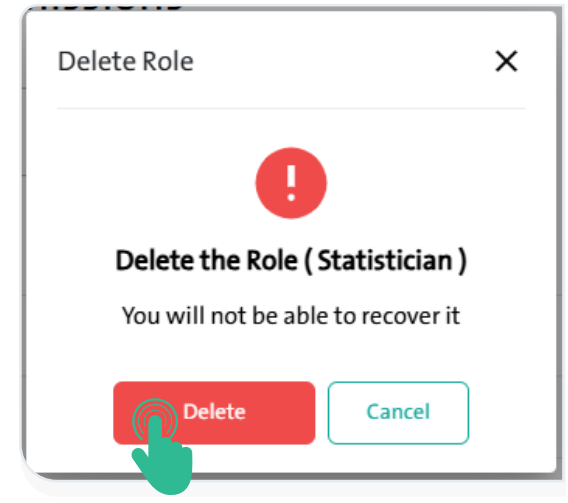
 next to its name in the roles table. A window will appear indicating that the role cannot be restored once deleted.
- To confirm the deletion, click “Delete”
 as shown in the adjacent image.
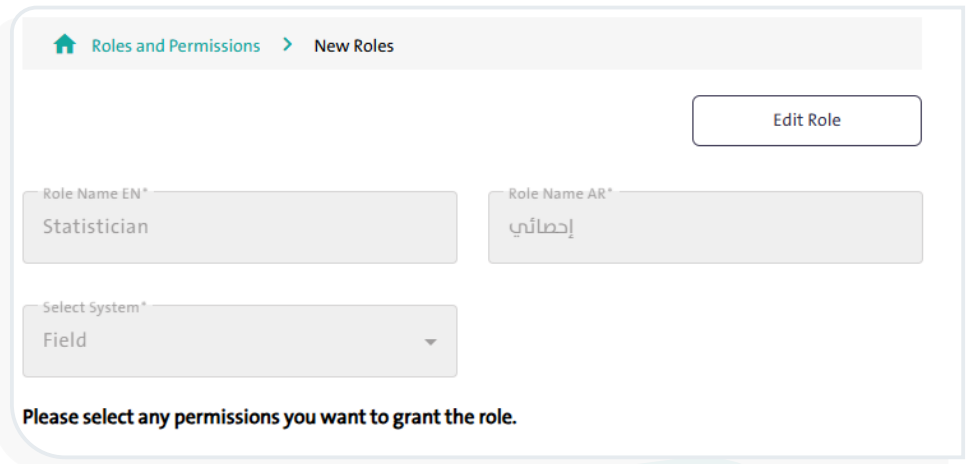
- To view and edit role details, click “Details”
 next to its name in the roles table. A window will appear where you can select “Edit Role” and Modify the following options, then click “Save”
 :
:
- Role name in English
- Role name in Arabic
- Select system
- Define the permissions to be granted to the role.