Create a Survey Using a Ready #
To create a survey using a ready-made template, follow these steps:
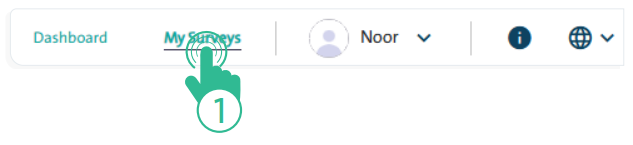
- Click the “My Surveys” link located at the top of the Survey Designer page.
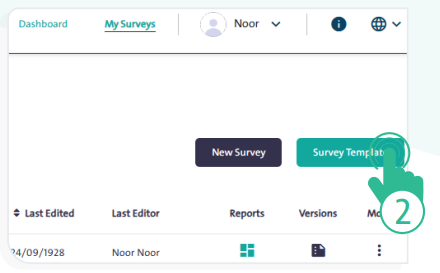
- Click “Survey Template”

- Select the appropriate template from the table.
Preview Template #
- You can preview the template by clicking “Preview Template”
 before creating a copy of it by clicking “Copy Template”
  in the “Use Template”
  field . The survey copy will then appear in your “My Surveys” screen.
Edit the New Version #
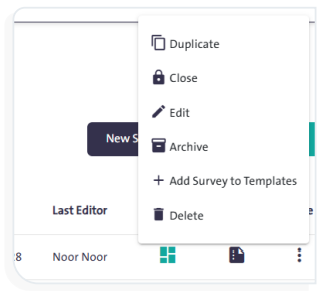
- Click “More”
 next to the copied survey, then select “Edit”
  from the dropdown list to start making changes to your new copy.
- You can search for a ready-made template by typing its name in the “Search Template” search box.