User Manual Instructions #
To get the most out of this user manual, please follow these guidelines:
- The manual is organized into sections that follow the operational sequence.
- Read from the beginning to learn the core concepts before moving to advanced sections.
- Follow the step-by-step instructions provided in each section.
- Use the illustrations and tables as references to better understand each process.
- Review the attached tips to avoid common mistakes.
- If you encounter difficulties, refer to the Frequently Asked Questions (FAQ) section.
- Contact the dedicated technical support team for immediate assistance.
- This manual is updated periodically; check the latest version for up-to-date information.
System Login #
In this section, you will learn the steps for logging in to the “Survey Designer” system—one of Al-Khwarizmi Platform’s modules, which is the first step to accessing the tools and features the system provides. This part explains how to correctly enter your credentials to access your account, as well as the available options that simplify the login process, such as changing the language or recovering your password if forgotten.
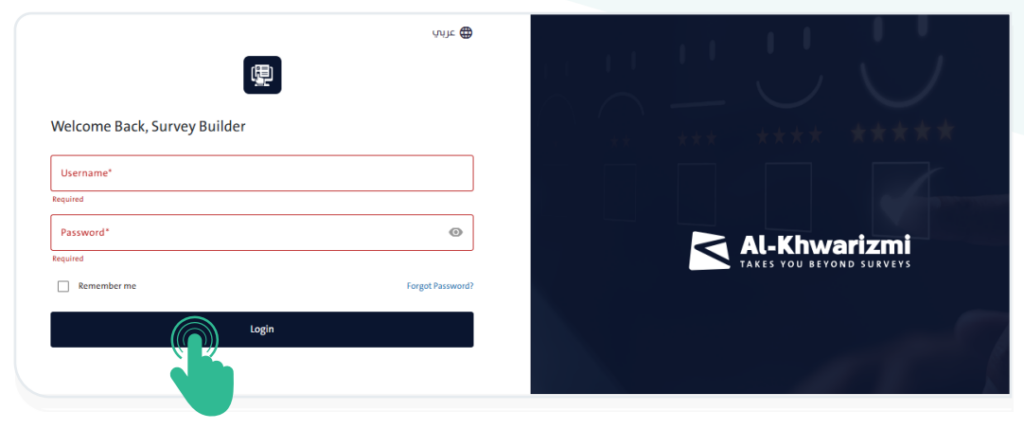
- To access the “Survey Designer” system, open the system link through your
browser: - Log in to the system by following these steps:
- Enter your Username.
- Enter your Password.
- Click “Login”
 to proceed to the main dashboard of the “Survey
Designer” system.
INFO
- To view the entered password, click the “Show” icon
 .
. - To change the system language, click the “Language” icon
 and select either Arabic or English from the menu.
 - If the username or password is incorrect, a warning message will appear.
- Please ensure that you have entered valid login credentials for the system.
Reset Password #
The system provides a password reset feature if you forget your password. To reset it, follow these steps:
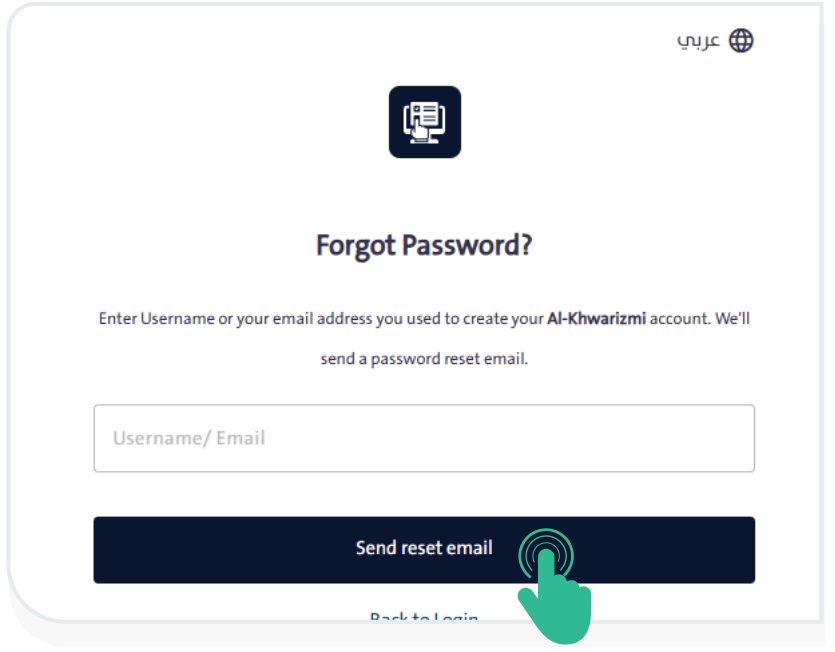
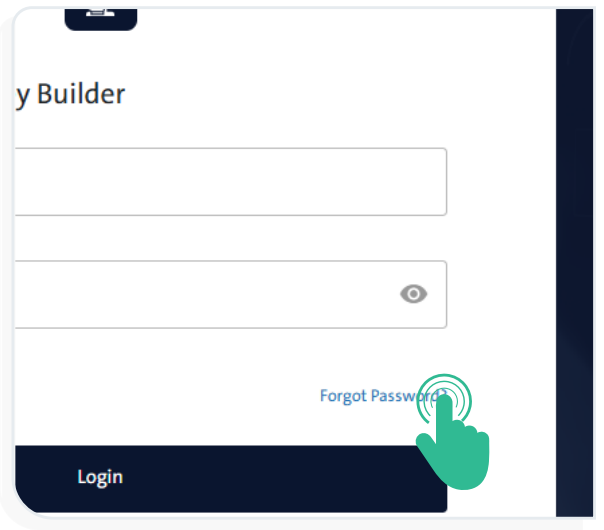
- Click “Forgot Password”
 below the Username and Password fields. A window will appear asking you to enter the email address used when creating your account.
- Click “Send Reset Email” to receive a message containing the instructions for resetting your password. Check both your inbox and spam folder if you do not see the email right away.