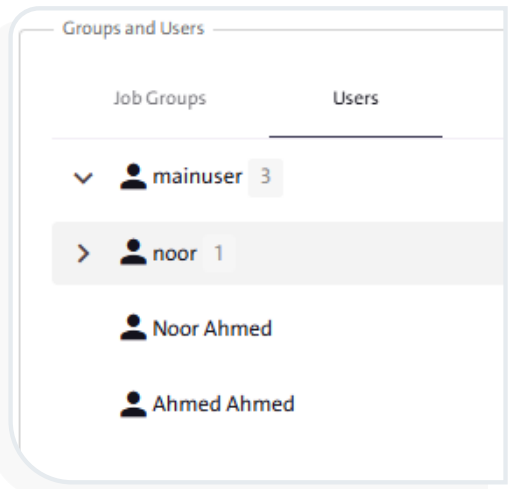
View the users assigned to different job groups within the system. #
The “Groups and Users” screen allows you to form the team members who will carry out the tasks of reviewing, monitoring, and validating the form. To display all users with different permissions on the form, follow these steps:
- From the side control menu, select “Groups and Users”
 .
.
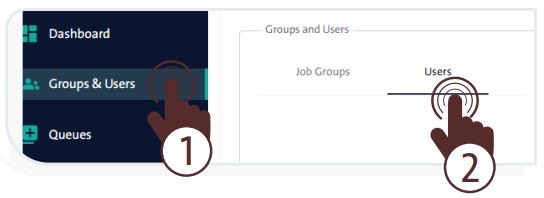
- In the hierarchy section, click the “Users” tab to display the tree structure of the users previously added, as shown in the adjacent image.