Preview the geographic maps available to the user. #
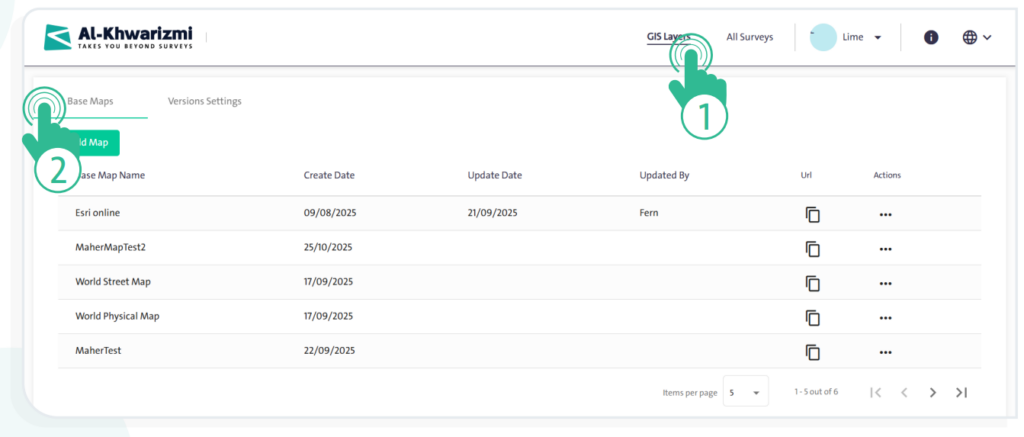
- Click the “GIS Layers” link at the top of the screen, then select the “Base Maps” tab to display a table of the available geographic maps, which includes:
- “Base Map Name”
- “Create Date”
- “Update Date”
- “Update By”
- URL
- Actions
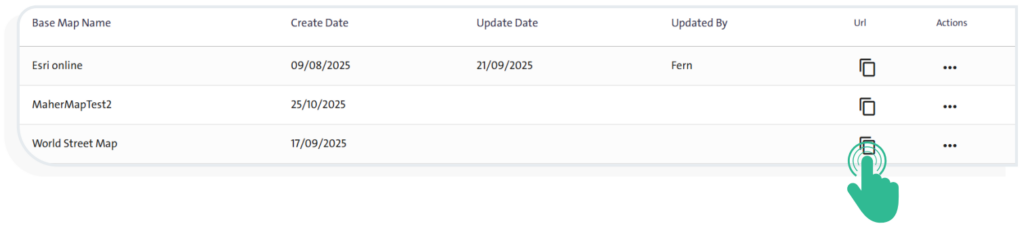
- To copy the map link, click the “Copy” icon
 next to the map name in the “URL” field. You can use this option to share the map or preview it in a browser.
INFO
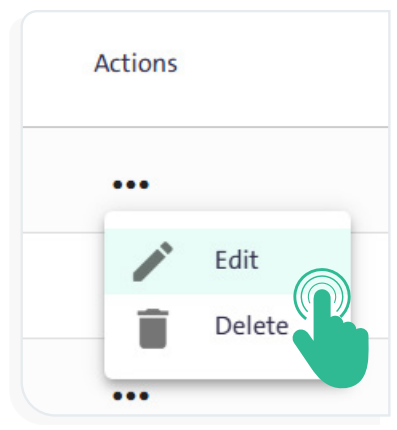
To perform either the «Delete»  or «Edit»
  action for a geographic layer map, click the «More» icon next to the map name in the «Actions» field, then select the appropriate option.