Remove a survey you no longer need. #
To remove a survey from the surveys list in the Survey Designer system, follow these steps:
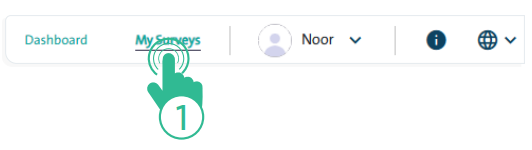
- Click the “My Surveys” link at the top of the Survey Designer page.
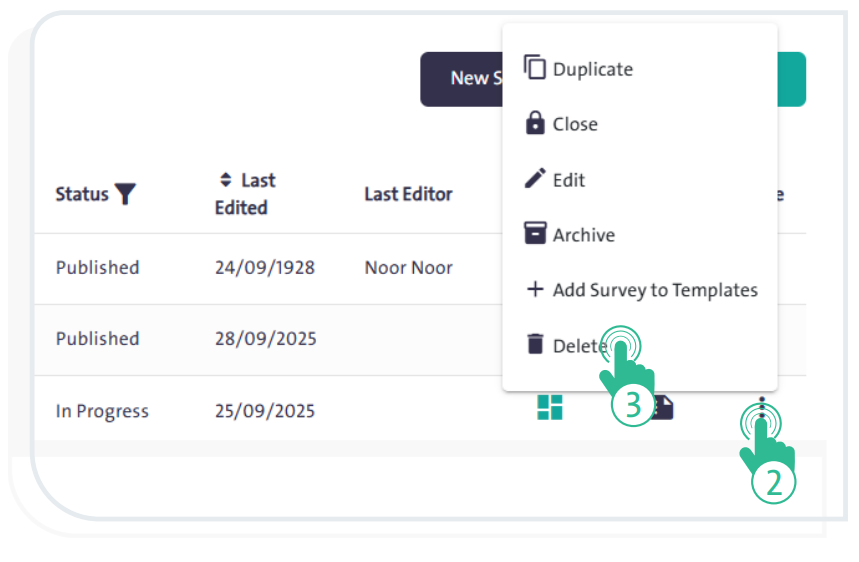
- Select the survey you want to delete from the surveys table.
- Click “More”
 and choose “Delete”
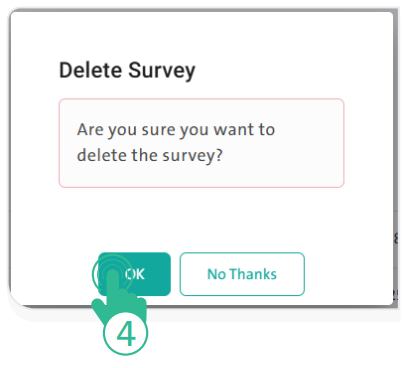
  from the dropdown list. A confirmation window will appear.
- Click “OK” to confirm the deletion.
- Click “No, Thanks” to cancel the deletion.
INFO
- You cannot delete published, completed, or closed surveys.
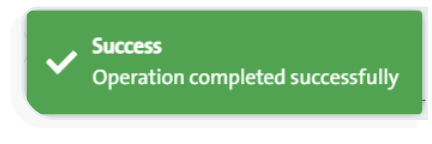
- Once the deletion is confirmed, a notification will appear indicating that the survey has been successfully deleted.