
Assign survey data collection tasks to the field team. #
This window is used to manage the survey and assign it to users by defining roles and permissions. To do so, follow these steps:
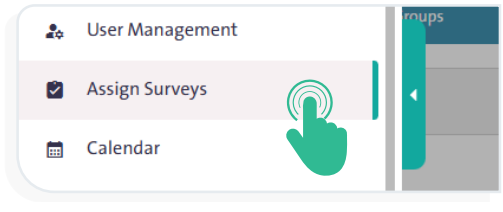
- From the side Control Panel, select “Assign Surveys”
 .
. - From the “Organization/Groups” tab, select the user who will collect data or edit the survey.
- From the “Surveys” tab, select the survey you want to assign to the user.
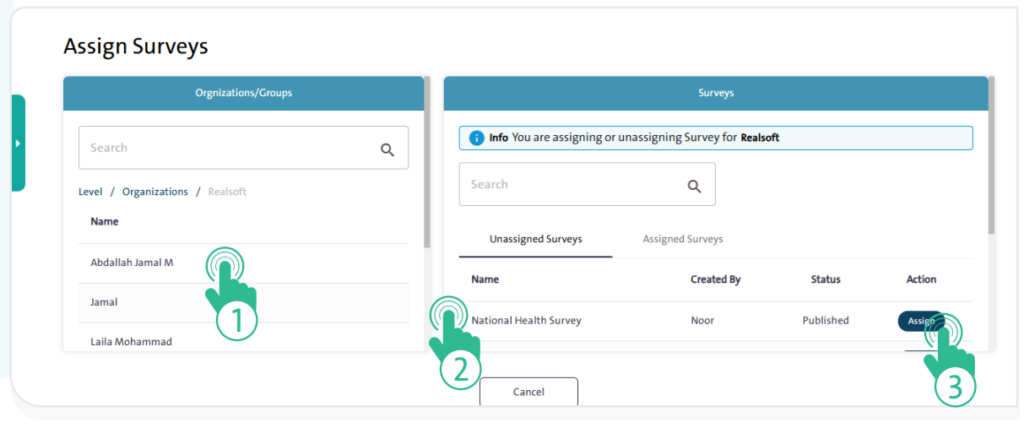
- Click “Assign”
 to complete the assignment.
