Add new users to the group. #
To add new users to groups in the Survey Designer system, follow these steps:
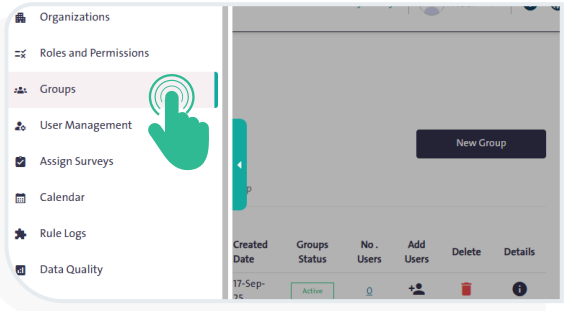
- From the side Control Panel, select “Groups”
 The following table will appear:
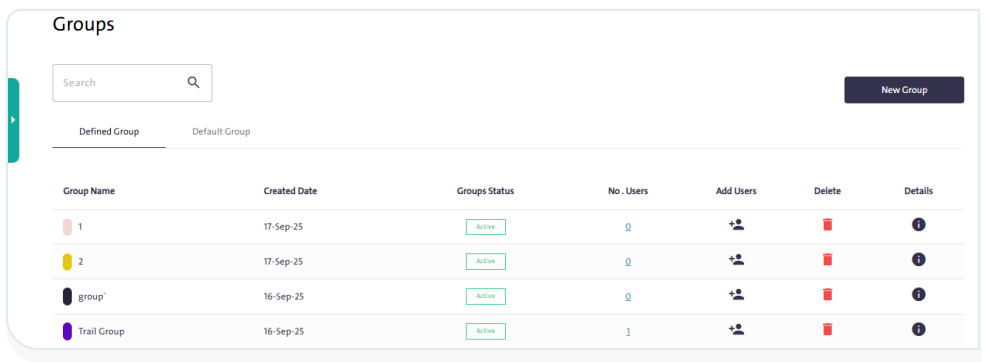
- Click “Add Users”
 to open a pop-up window.
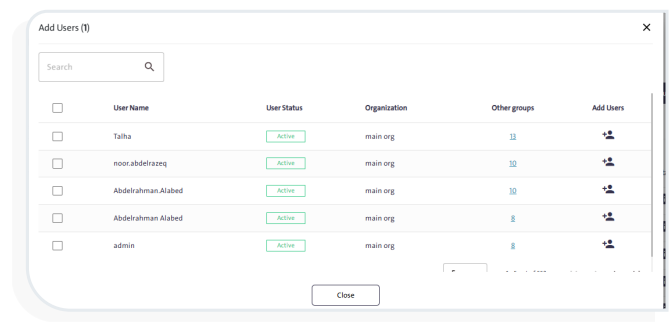
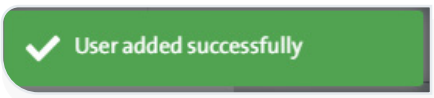
- select the user, then click “Add” .A notification will appear confirming the user has been successfully added.
INFO
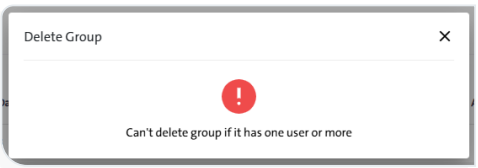
- You can delete a group by clicking “Delete”
 .
. - You cannot delete a group that contains at least one member.
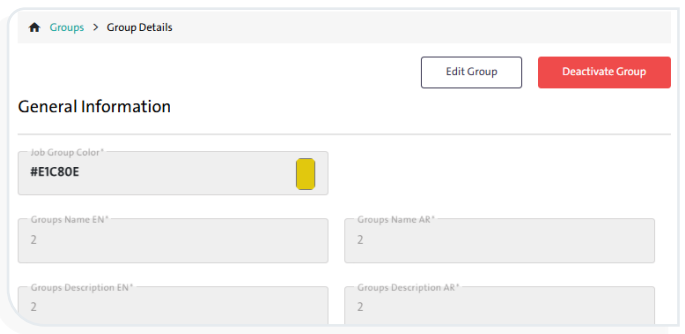
- By clicking “Details”
 you can perform the following actions:
- Edit group information
- Activate the group
- Deactivate the group