
Viewing previously added surveys, along with their reports, versions, and available management options.
To view previously added surveys and access their reports, versions, and control options, follow these steps:
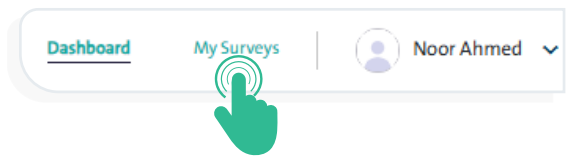
- Click “My Surveys” from the main menu.
- A list of all available surveys will appear, categorized by:
- Survey Name
- Collection Mode
- Survey Type
- Survey Status (Published, In Progress)
- Last Edited
- Last Editor
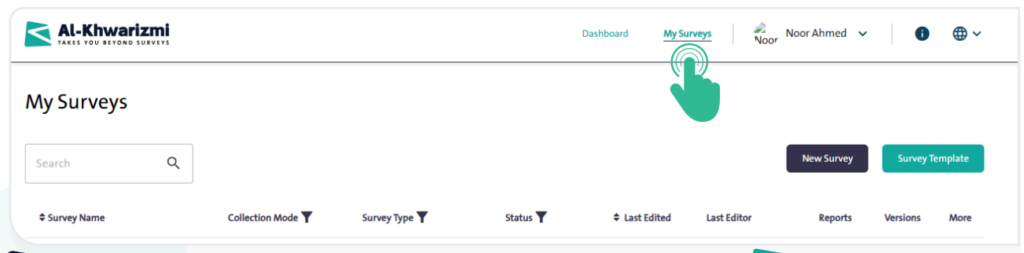
- You can view the reports of the selected survey by clicking the “Reports” icon.

- To view the versions of the selected survey, click the “Versions” icon.

- For additional options related to the selected survey, click the “More” icon
 , and the following options will appear:
- Copy Survey
- Close Survey
- Edit Survey
- Archive Survey
- Add Survey to Templates
- Delete Survey
- Use the search box
 to quickly locate a survey you have previously designed.
