
Introduction #
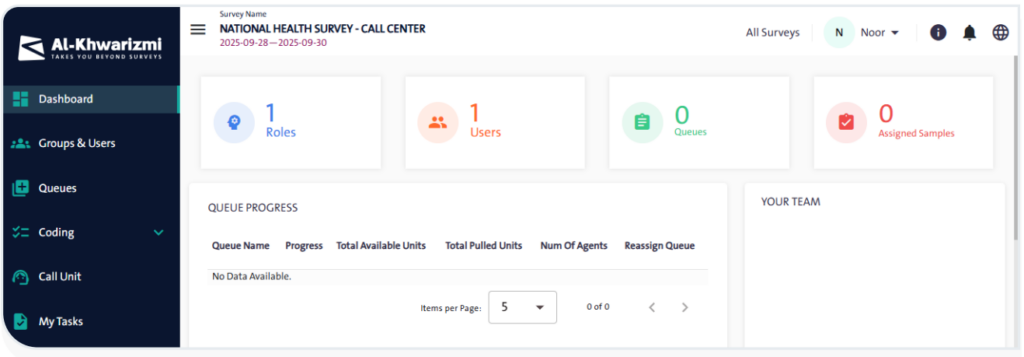
The survey screen provides an integrated environment that enables users to organize forms and assign tasks efficiently. It allows users to view all forms, manage users and their roles, create queues, and assign them to ensure smooth workflows. In addition, it enables users to retrieve call units and update respondent information, simplifying follow-up and communication processes. The task log further supports tracking progress, enhancing efficiency, and facilitating the monitoring, review, and validation of each form.
Features #
The functions available in the Form Management Screen help simplify the organization and efficient management of forms. Below is an overview of these functions:
- View All Forms: Browse a list of all available forms, with details about roles, users, queues, and assigned samples.
- Add Roles: Define the required roles for each form and assign the corresponding permissions.
- Manage Users: Add users manually, import them from other forms, or upload them via a CSV file.
- Create New Queues: Organize form follow-up by creating queues based on required criteria.
- Assign Queues to Users: Define who is responsible for each form and distribute tasks according to business needs.
- Distribute Workload: Set the number of units each user will handle to ensure balanced task distribution across the team.
- Retrieve Call Units: Extract call units to communicate with respondents via phone, email, or field transfer.
- Track Task Log: Review tasks assigned to each user, including call details and recent updates.
