Control the columns to be displayed in the «Progress» table. #
Select the columns to be displayed in the “Progress” table by following these steps:
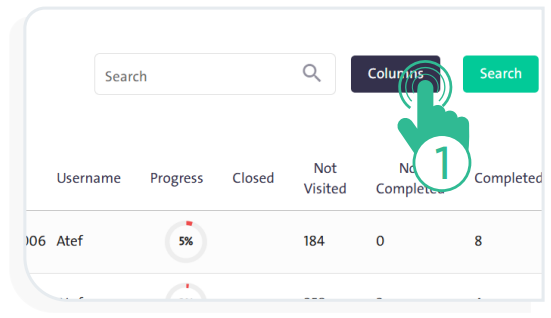
- Click “Columns”
 to open a side panel containing all available columns.
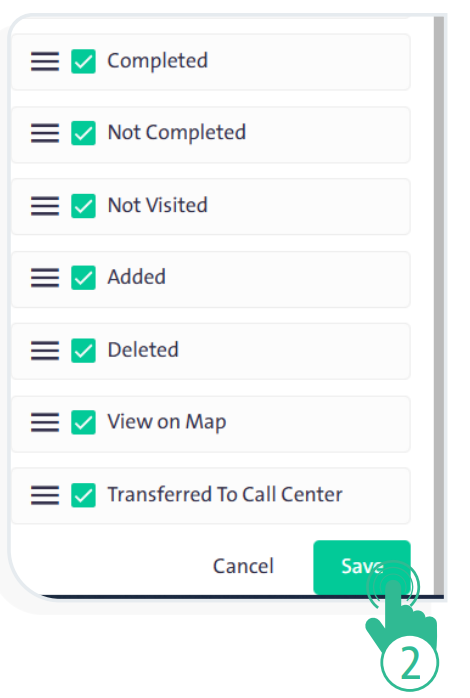
- Choose the columns to appear in the table, noting that Username and Achievement cannot be modified.
- Drag and drop the columns to arrange the table in the order that suits you.
- When finished, click “Save”
 to confirm the new column arrangement and options.