Specify the number of units each user will follow up on to distribute the workload. #
The system allows you to distribute the workload among multiple users to follow up on the same queue easily. To do this, follow these steps:
- From the side control menu, select “Queues”

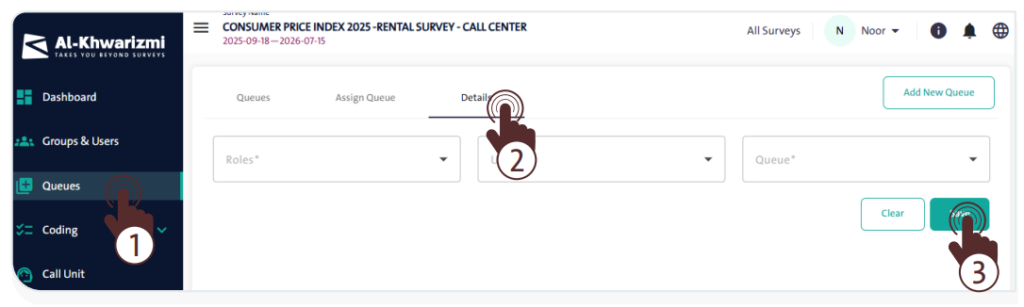
- Click the “Details” tab, then choose the queue whose units you want to distribute among users.
- Distribute the workload according to the number of remaining units.
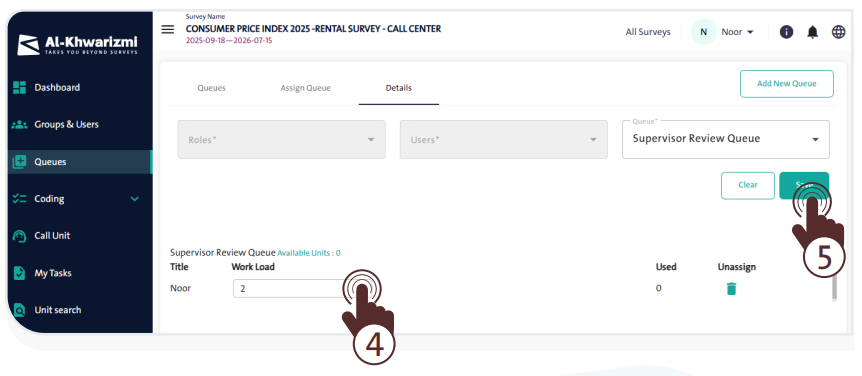
- Once finished, click “Save”
 .
.
INFO
- To remove a user assigned to the queue from the “Details” tab, click the “Delete” icon .

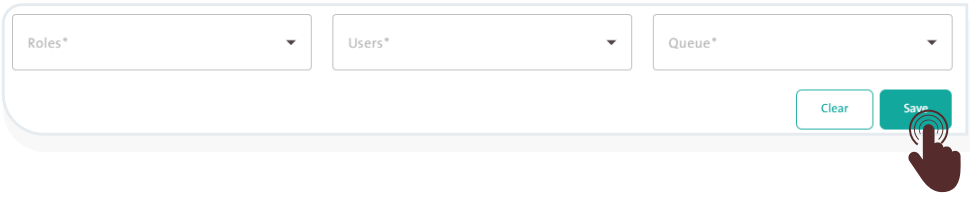
- You can search for specific roles or users by adjusting the filter options in the “Roles” or “Users” dropdown lists to modify the workload distribution, then click “Save”.
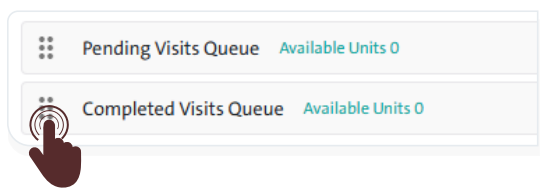
- You can arrange the queues assigned to a user by dragging and dropping them in order of priority.