
Review the different versions of a specific survey. #
To review the different versions of a specific survey, follow these steps:
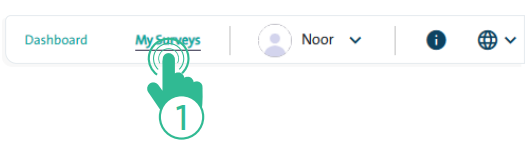
- Click the “My Surveys” link at the top of the Survey Designer page.
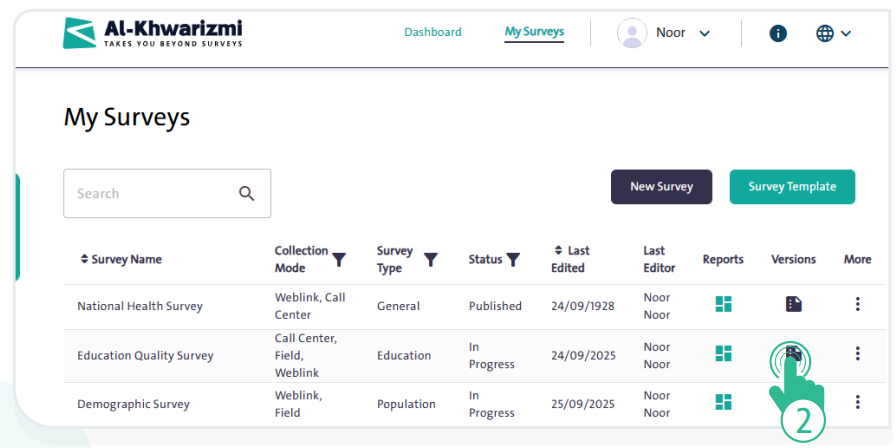
- From the “Versions” list, click the “Version” icon
 next to the survey you want to review. The following window will then appear:
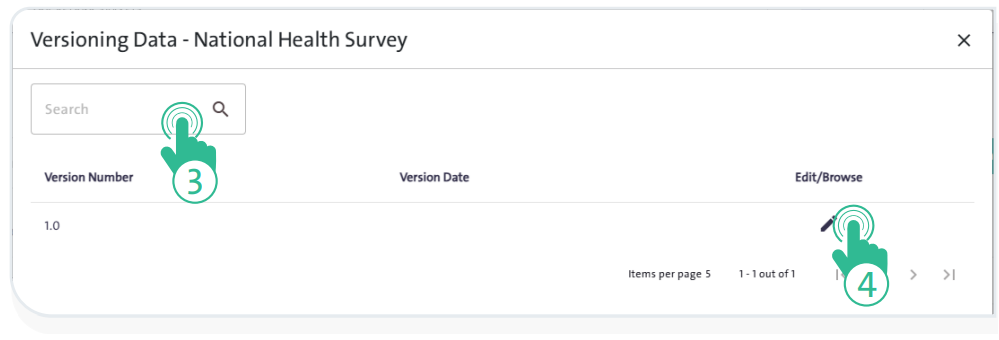
- Search for a version by typing its name in the “Search” field.

- View or edit the version by clicking “Edit/Browse”
 next to it.
